Course Description
Skills You Will Learn
- Adobe Dreamweaver
- Adobe Elearning Suite
- Web Authoring
- Web Development
- Adobe Dreamweaver Certification
- Dreamweaver Mx Certification
What You'll Learn
- Create a website from start to finish using Dreamweaver CC
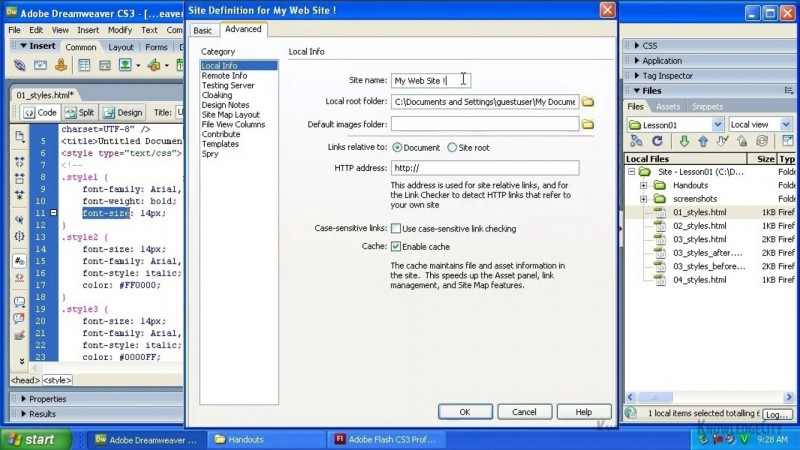
- Define a new site and set up a website with project files
- Author page layouts and apply structure formatting
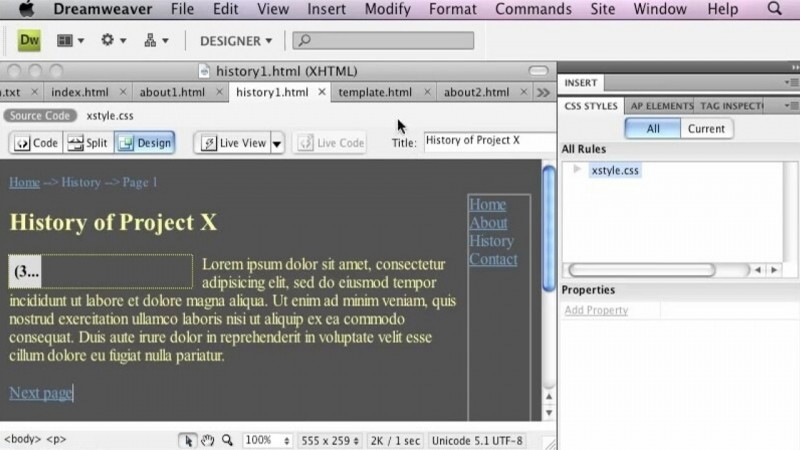
- Navigate the Dreamweaver workspace, panels, and toolbars
- Add remote servers, upload files, and preview pages in browsers
- Apply site structure basics, file naming conventions, and file and folder management
Key Takeaways
- The course details the fundamental steps for creating a website using Dreamweaver.
- It covers defining the Internet as a communication delivery system, authoring page layouts, and structure formatting.
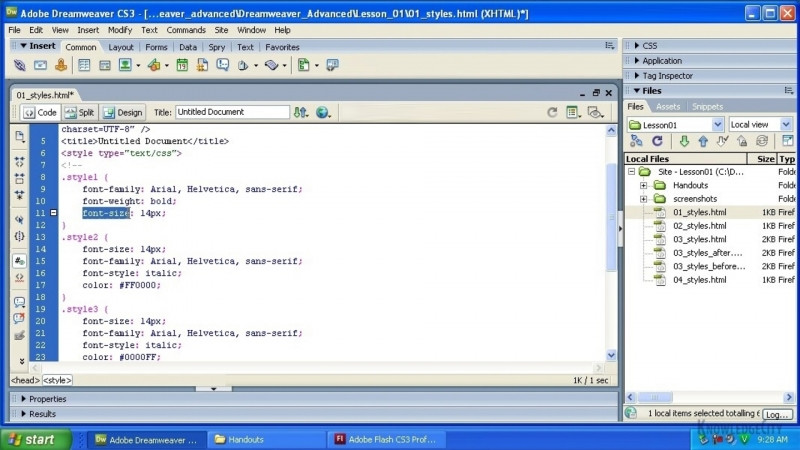
- Learners explore the Dreamweaver workspace, including the Welcome screen, panels, workspaces, and keyboard shortcuts.
- The course walks through defining a new site, working with the Property inspector, the Insert panel, and the Application and Document toolbars.
- It addresses publishing-related tasks such as adding remote servers, uploading files, previewing in browsers, and managing multiple sites.
Frequently Asked Questions
What does the Dreamweaver CC Introduction course cover?
It covers the fundamental steps for creating a website using Dreamweaver, including defining the Internet as a communication delivery system, authoring page layouts, and structure formatting. Topics also include site structure, file naming conventions, managing files and folders, the Dreamweaver workspace, defining a new site, and uploading files to remote servers.
What will I be able to do after taking this course?
You will be able to create your own website using Dreamweaver's software tools, set up and define a site with project files, author page layouts, manage files and folders, and upload and preview your site through remote servers and browsers.
What skills are associated with this course?
The course is associated with Adobe Dreamweaver, Adobe Elearning Suite, Web Authoring, Web Development, Adobe Dreamweaver Certification, and Dreamweaver MX Certification.
Does the course teach how to publish a website?
Yes. It includes lessons on adding remote servers, uploading files, previewing in browsers, and managing multiple sites.