Course Description
In this beginner course, the student will learn about the basics of working in Adobe Dreamweaver and how it fits in with the Creative Cloud desktop app. You will learn about Web Design Principles that you will utilize to get the most out of Dreamweaver. You will explore the HTML code that goes into creating a page structure and discover the beauty that can be added to that structure with Cascading Style sheets. You will learn how to open existing pages and create new pages. You will learn how to add text, graphics, and links to pages. And finally, you will test and publish your pages using Dreamweaver’s site management features.
Learning Objectives
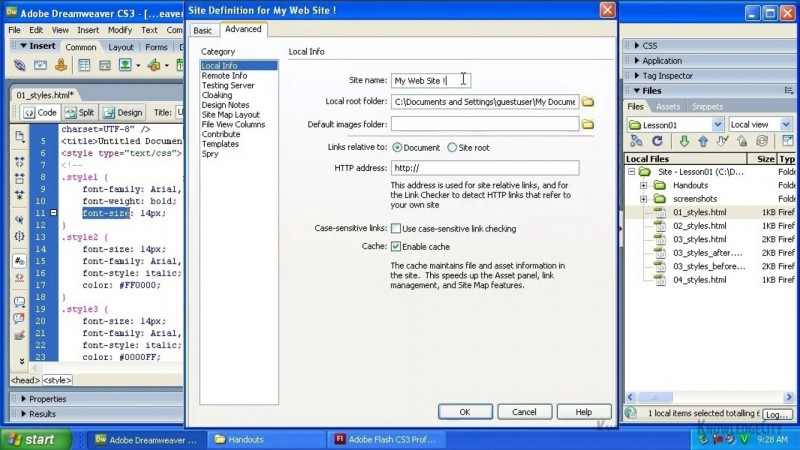
- Set up a site in Dreamweaver
- Create a new page
- Understand a brief history of HTML
- Familiarize yourself with HTML syntax
- To be able to upload files to a web host
- Understand the levels of CSS
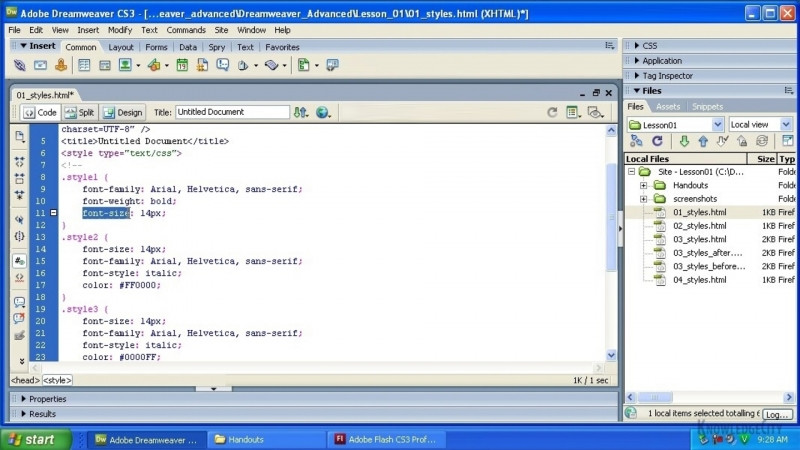
- Understand the CSS syntax
Skills You Will Learn
- Adobe Dreamweaver
- Web Publishing
- Adobe Dreamweaver Certification
What You'll Learn
- Set up a site and create new pages in Adobe Dreamweaver
- Apply web design principles when planning and organizing a website
- Write and edit page structure using HTML syntax in Code View
- Style pages with Cascading Style Sheets, including CSS levels and syntax
- Add and format text, images, links, and SVG social media icons on pages
- Preview, test, and upload files to a web host using Dreamweaver's site management features
Key Takeaways
- The course covers the basics of working in Adobe Dreamweaver and how it fits with the Creative Cloud desktop app.
- Learners explore the HTML code behind a page structure and use Cascading Style Sheets to style that structure.
- The course teaches how to open existing pages, create new pages, and add text, graphics, and links.
- Students learn to test and publish pages using Dreamweaver's site management features, including uploading files to a web host.
- The course introduces a brief history of HTML along with HTML syntax, the levels of CSS, and CSS syntax.
Frequently Asked Questions
Who is this course for?
This is a beginner course for students learning the basics of working in Adobe Dreamweaver and how it fits with the Creative Cloud desktop app.
What will I learn in this course?
You will learn web design principles, the HTML code behind page structure, Cascading Style Sheets, how to open and create pages, how to add text, graphics, and links, and how to test and publish pages using Dreamweaver's site management features.
What skills does this course cover?
It covers Adobe Dreamweaver, Web Publishing, and Adobe Dreamweaver Certification.
Does the course cover publishing a website?
Yes. It covers previewing a site in a browser and uploading files to a web host using Dreamweaver's site management features.
Does the course teach HTML and CSS?
Yes. It covers a brief history of HTML, HTML syntax, working in Code View, the levels of CSS, and CSS syntax.