Beginner
Provider : Patti Scully-Lane
2 Lessons · 7m
in Arabic, German, English, Spanish, French, Portuguese, Chinese Simplified
Course Description
You will learn how Dreamweaver is part of the Creative Cloud family of apps and how to install, open and customize the workspace to fit your needs.
Learning Objectives:
- Understand how Dreamweaver with the Creative Cloud
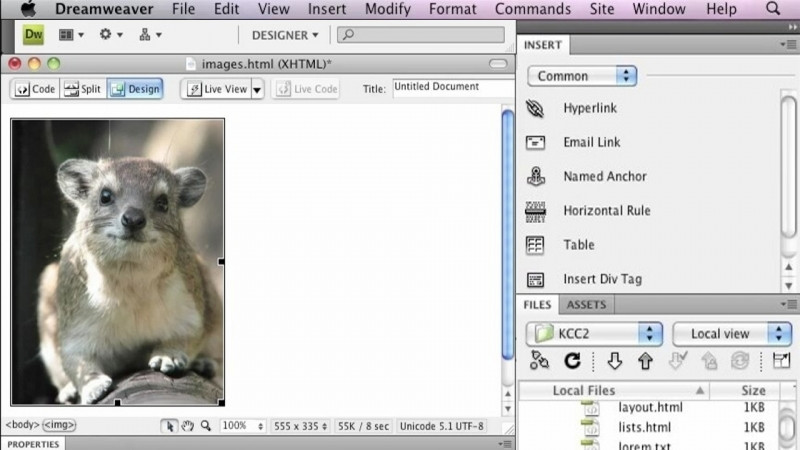
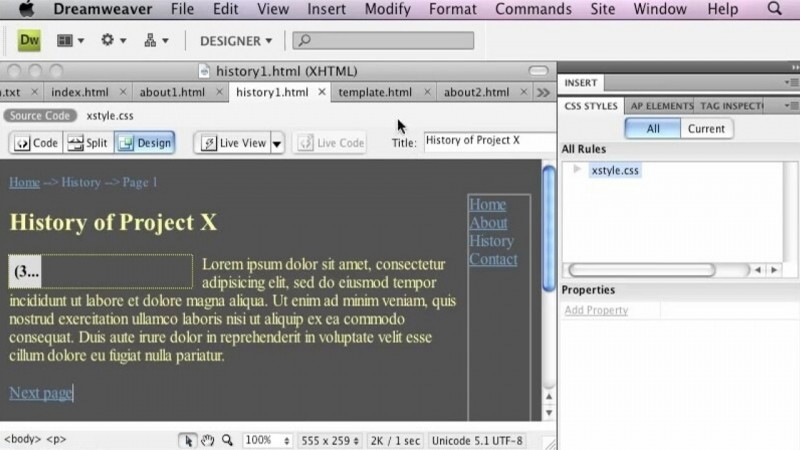
- Become familiar with the Dreamweaver Workspace
Skills You Will Learn
- Adobe Creative Cloud
- Adobe Creative Suite
- Adobe Dreamweaver
- Adobe Experience Cloud
- Adobe Dreamweaver Certification
What You'll Learn
- Understand how Dreamweaver fits within the Adobe Creative Cloud family of apps
- Install Dreamweaver from Creative Cloud
- Open Dreamweaver for the first time
- Customize the Dreamweaver workspace to fit your needs
- Become familiar with the Dreamweaver workspace
Key Takeaways
- Dreamweaver is part of the Creative Cloud family of apps.
- Dreamweaver is installed through Creative Cloud.
- The course covers opening Dreamweaver and customizing its workspace to fit your needs.
- Getting familiar with the Dreamweaver workspace is a focus of this course.
Frequently Asked Questions
What does this course cover?
It covers how Dreamweaver is part of the Creative Cloud family of apps and how to install, open, and customize the workspace to fit your needs.
What will I learn to do in the workspace?
You will become familiar with the Dreamweaver workspace and learn how to customize it to fit your needs.
How is Dreamweaver installed in this course?
The course shows how to install Dreamweaver from Creative Cloud.
What skills does this course relate to?
It relates to Adobe Creative Cloud, Adobe Creative Suite, Adobe Dreamweaver, Adobe Experience Cloud, and Adobe Dreamweaver Certification.
What lessons are included?
The lessons are Install Dreamweaver from Creative Cloud and First Opening Dreamweaver.