Course Description
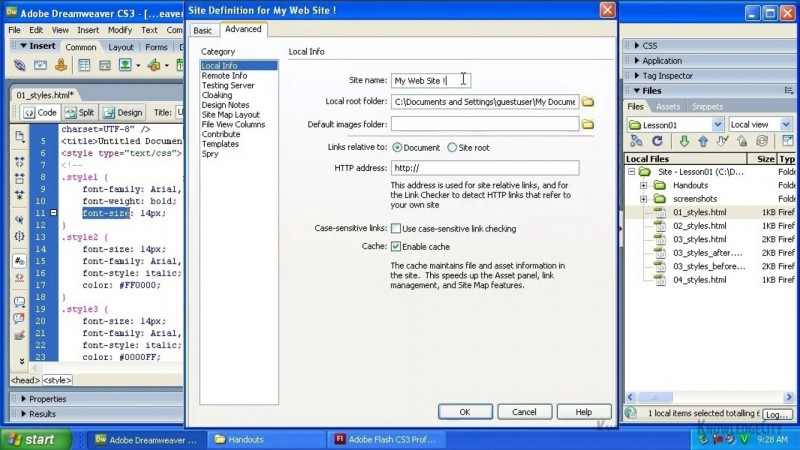
Prior to getting into Dreamweaver, you will need to plan your site and organize your files so that they can best be used in Dreamweaver. You will create a site and add a page to is so you can understand how the site feature works.
Learning Objectives
- Learn how planning is important to Web Design
- Learn how to structure your files into folders
- Set up a site in Dreamweaver
- Create a new page
Skills You Will Learn
- Adobe Dreamweaver
- Design Web Format
- Web Design
- Web Development
- Adobe Dreamweaver Certification
What You'll Learn
- Plan a new website before building it in Dreamweaver
- Organize and structure your files into folders for use in Dreamweaver
- Set up a site in Dreamweaver
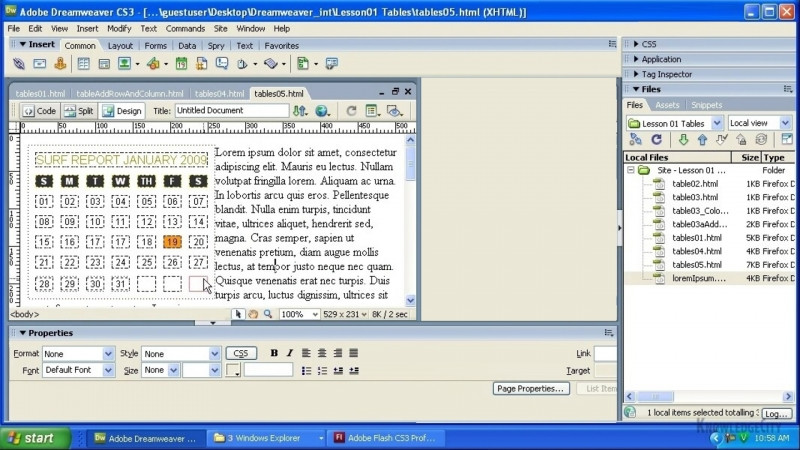
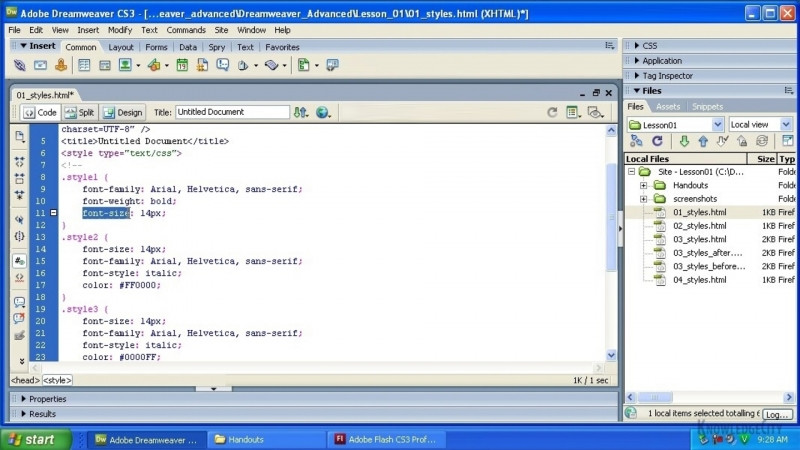
- Create a new page within a Dreamweaver site
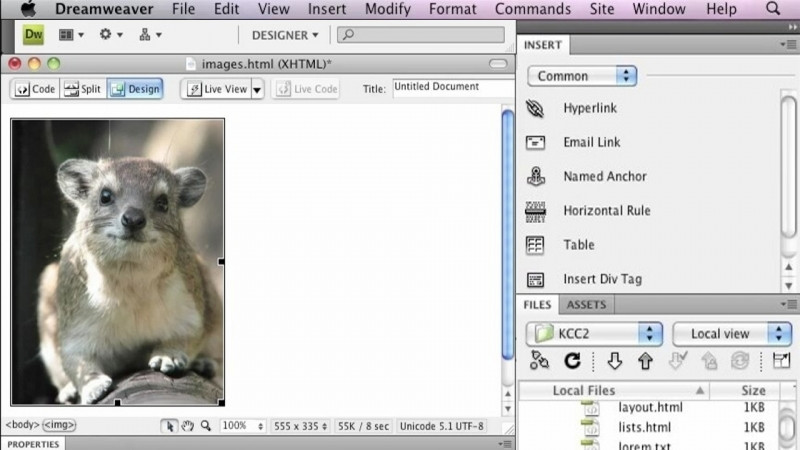
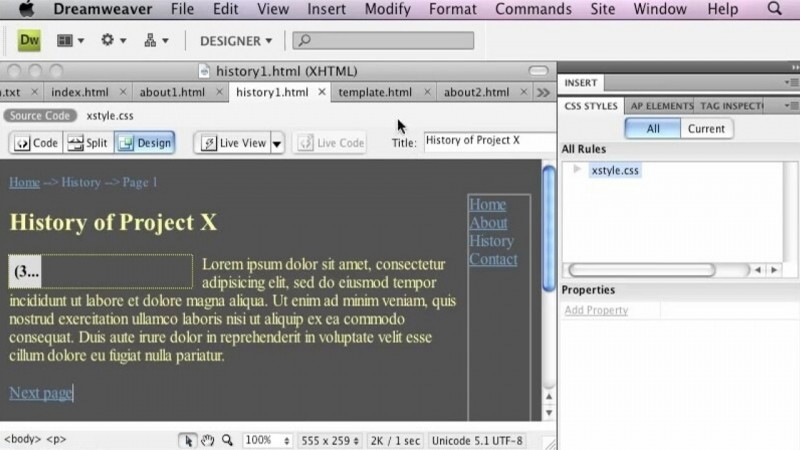
- Navigate the Dreamweaver workspace and its features
Key Takeaways
- Planning is an important first step in web design before working in Dreamweaver.
- Structuring and organizing your files into folders helps them be best used in Dreamweaver.
- Setting up a site in Dreamweaver lets you understand how the site feature works.
- Creating and adding a page to a site demonstrates how the Dreamweaver site feature operates.
Frequently Asked Questions
What will I learn in this course?
You will learn how planning is important to web design, how to structure your files into folders, how to set up a site in Dreamweaver, and how to create a new page.
What topics or lessons does this course cover?
The course covers The Workspace Feature, Planning a New Website, Organizing Files, Create a Site, and Create a Page.
What skills does this course help me build?
It helps build skills in Adobe Dreamweaver, Design Web Format, Web Design, Web Development, and Adobe Dreamweaver Certification.
What should I do before getting into Dreamweaver?
Prior to getting into Dreamweaver, you should plan your site and organize your files so they can best be used in Dreamweaver.