Course Description
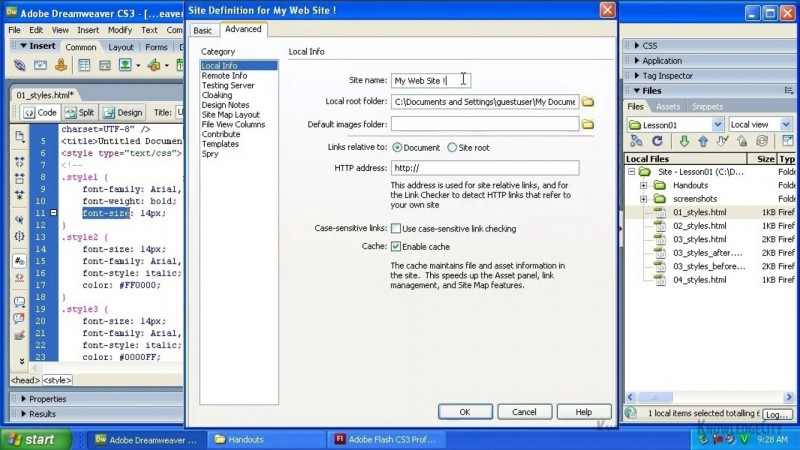
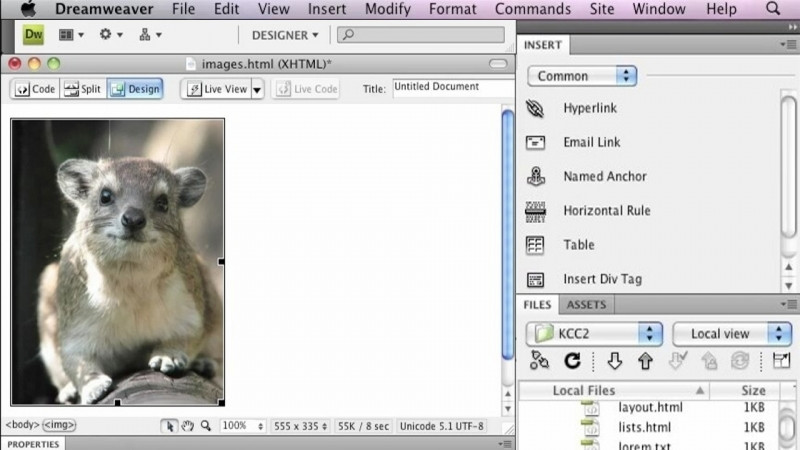
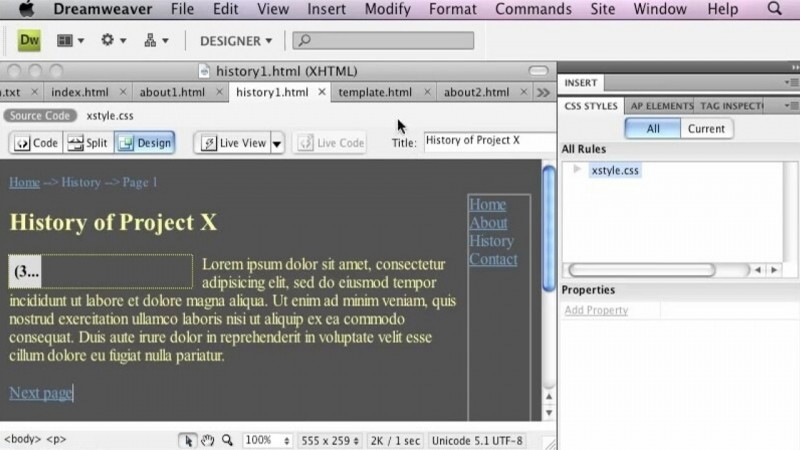
Understanding HTML is not a requirement to use Dreamweaver. However, it is recommended. In this module you will familiarize yourself with the tag structure of an HTML page and how Dreamweaver makes it easy to use the code view to learn HTML when creating pages.
Learning Objectives
- Understand a brief history of HTML
- Familiarize yourself with HTML syntax
- Work with code view in Dreamweaver
Skills You Will Learn
- Adobe Dreamweaver
- HTML Application
- HTML Generation
- HTML Scripting
- Adobe Dreamweaver Certification
What You'll Learn
- Understand a brief history of HTML
- Familiarize yourself with HTML syntax
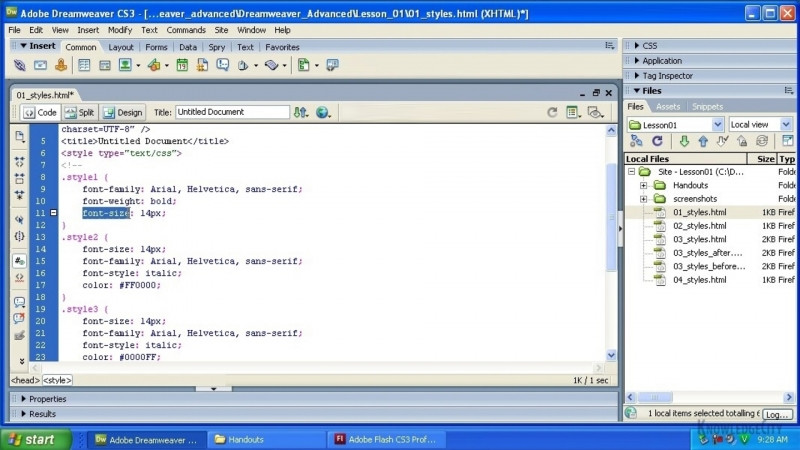
- Work with code view in Dreamweaver to learn HTML while creating pages
- Work with Cascading Style Sheets (CSS) and CSS syntax
- Use CSS code in Dreamweaver and its related files
Key Takeaways
- Understanding HTML is not a requirement to use Dreamweaver, but it is recommended.
- Dreamweaver makes it easy to use the code view to learn HTML when creating pages.
- This module covers the tag structure of an HTML page along with HTML syntax.
- The course also covers Cascading Style Sheets, including CSS syntax and how CSS code works in Dreamweaver and related files.
Frequently Asked Questions
Do I need to know HTML before taking this course?
No. Understanding HTML is not a requirement to use Dreamweaver, though it is recommended. The course familiarizes you with the tag structure of an HTML page and shows how Dreamweaver's code view makes it easy to learn HTML while creating pages.
What topics does this course cover?
The course covers a brief history of HTML, HTML syntax, working with code view in Dreamweaver, working with Cascading Style Sheets, CSS syntax, and CSS code in Dreamweaver and related files.
What skills will I gain from this course?
You will build skills in Adobe Dreamweaver, HTML application, HTML generation, HTML scripting, and Adobe Dreamweaver Certification.
How does Dreamweaver help with learning HTML?
Dreamweaver makes it easy to use the code view to learn HTML when creating pages.