Course Description
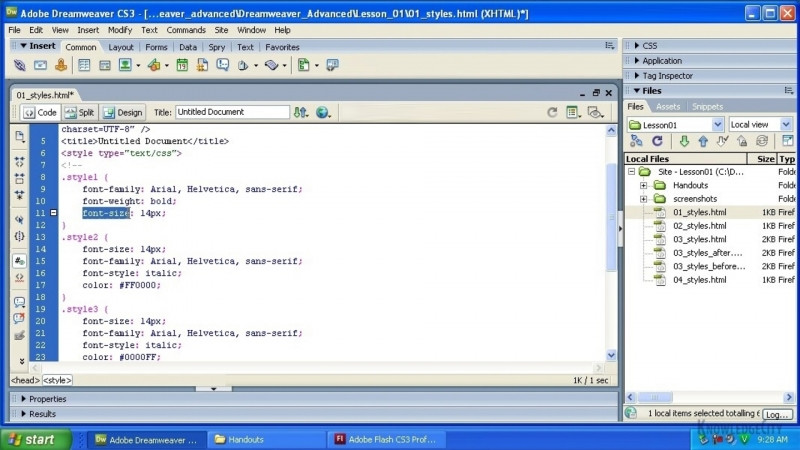
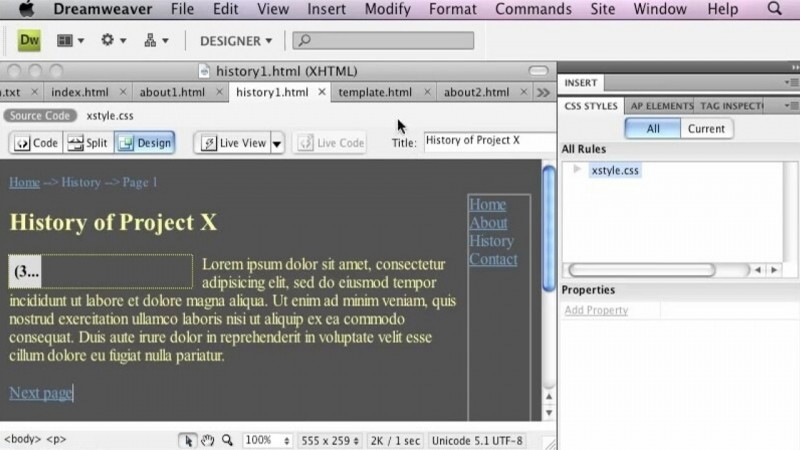
While HTML provides the structure, CSS provides the beauty. In this module you will familiarize yourself with what CSS is, how the different styles cascade and what HTML elements can be stylized.
Learning Objectives:
- Understand the levels of CSS
- Understand the CSS syntax
- Recognize external vs. Internal styles
Skills You Will Learn
- Adobe Dreamweaver
- CSS Frameworks
- HTML Components
- HTML Scripting
- Object Oriented CSS
- Web Template Systems
What You'll Learn
- Understand the levels of CSS and how the different styles cascade
- Apply CSS syntax to stylize HTML elements
- Distinguish between external and internal styles
- Add and format text on webpages using the Properties panel
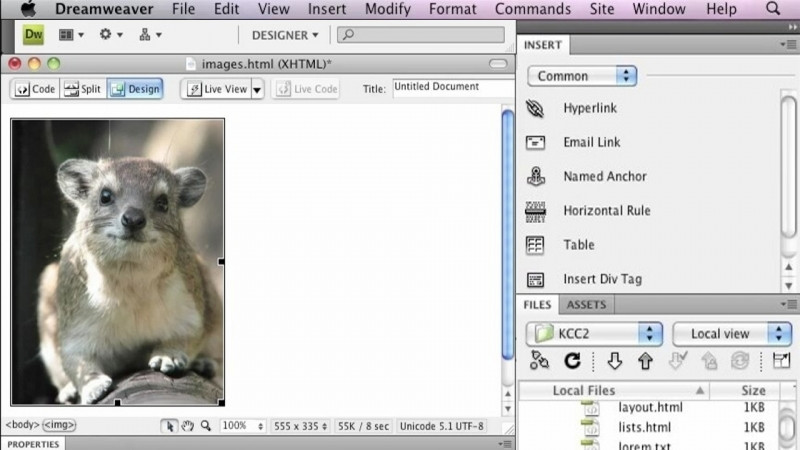
- Add and format images on pages
- Create links within Dreamweaver webpages
Key Takeaways
- HTML provides the structure of a webpage while CSS provides the styling and visual beauty.
- CSS styles cascade across different levels, and various HTML elements can be stylized.
- Styles can be applied as external or internal styles.
- The module covers adding and formatting text, adding and formatting images, and creating links in Dreamweaver.
Frequently Asked Questions
What does this module cover?
This module familiarizes you with what CSS is, how the different styles cascade, and what HTML elements can be stylized, while covering how to add and format text, add and format images, and create links.
What will I learn about CSS in this course?
You will understand the levels of CSS, understand the CSS syntax, and recognize the difference between external and internal styles.
What skills does this course build?
It builds skills in Adobe Dreamweaver, CSS Frameworks, HTML Components, HTML Scripting, Object Oriented CSS, and Web Template Systems.
What lessons are included?
The lessons are Add Text to Pages, Formatting Text Using the Properties Panel Part 1, Formatting Text Using the Properties Panel Part 2, Add and Format Images, and Create Links.